Steal a Balut upgrades fall into two useful groups: movement upgrades for shortening collection and return trips, and tool upgrades in the Martilyo Shop for comparing hammer Power. Choose between them by the problem you are trying to solve. Speed does not replace learning a route, while a higher displayed Power does not come with a confirmed damage formula or hatch-time multiplier in the available game information.
The records below separate confirmed display values from entries whose price or effect still needs checking in the current client. Treat the in-game shop as the final authority for mutable prices, ownership, and purchase buttons.
Speed upgrades for collection routes
Speed Upgrades improve movement-related performance. They are most relevant when the trip to a balut or the return to your farm is the part of a run that feels slow. Before spending, make sure the problem is genuinely movement: a confusing route, an uncollected objective, or a tool that is not equipped will not be fixed simply by moving faster.
Compare speed options for collection routes
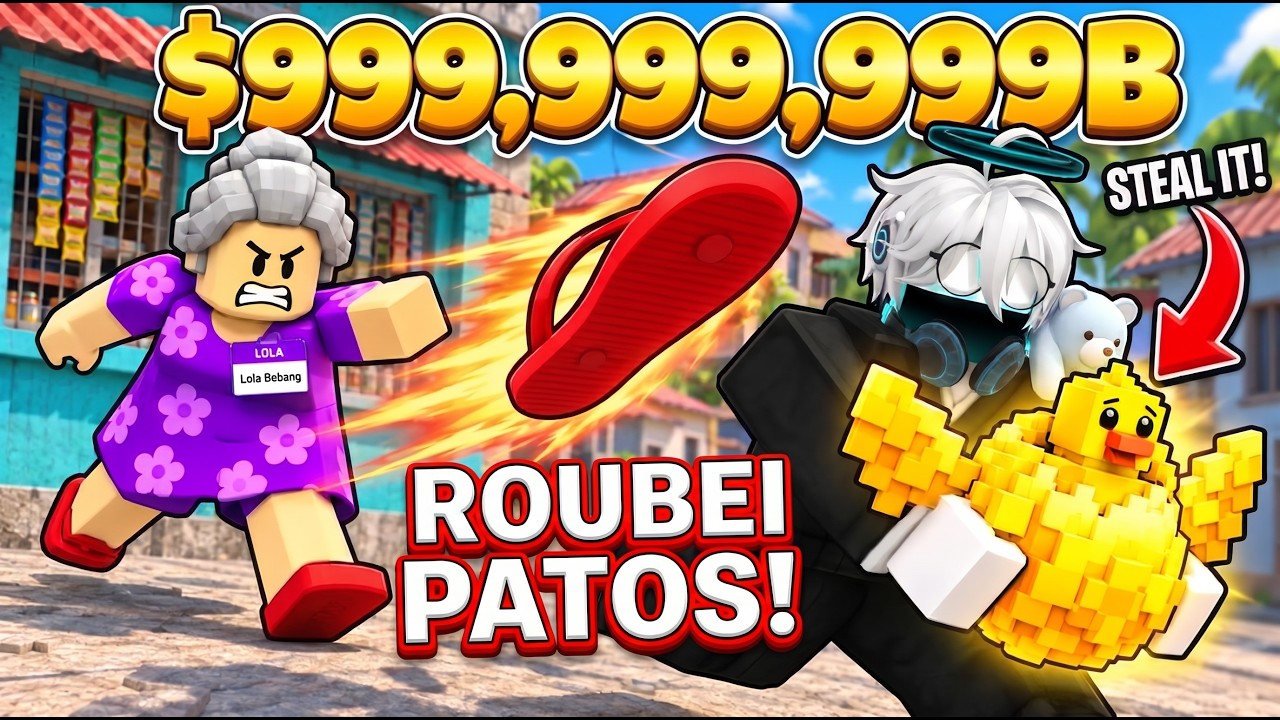
This moment supports the speed-upgrade comparison when movement, rather than route knowledge or tool equipment, is slowing a collection run.
The following Robux products are recorded as speed offers:
| Speed offer | Displayed effect | Recorded cost | Purchase type |
|---|---|---|---|
| +1K Speed | Adds 1K Speed | 25 Robux | Roblox developer product |
| +10K Speed | Adds 10K Speed | 49 Robux | Roblox developer product |
| +100K Speed | Adds 100K Speed | 99 Robux | Roblox developer product |
These are Robux offers, not cash prices. The recorded values are associated with a November 1, 2026 shop record, so check the current product panel before buying. A code reward is also a separate source of speed: one video description says its largest listed reward is 1,000 Speed and 100 cash. The code-reward guide explains why that reward should be treated as a code claim, not as proof that a permanent speed tier has been purchased.
Review the speed and cash code reward
This moment supports the separate code-reward path by identifying the listed 1,000 Speed and 100 cash reward rather than a purchased speed tier.
The available upgrade information does not confirm a complete cash-based speed-upgrade ladder, its unlock requirements, or whether every speed increase is permanent. Do not convert a Robux amount into in-game cash, and do not assume a code reward and a developer product stack in the same way without checking the result in the current interface.
Martilyo Shop tool records
Tool upgrades are handled through Martilyo Shop. The shop shows each hammer’s Power, purchase options, and equipment state. Power is useful for comparing the entries that are visible to you, but the available records do not establish how much damage each point causes, how many hits a balut needs, or the exact effect on every hatching target.
Player calculator
Steal A Balut cash purchase budget
Check how many purchases a cash balance can cover while keeping a reserve.
Estimated result
- Cash available after reserve
- —
- Purchases at this price
- —
- Unspent cash above reserve
- —
- Shortfall for the target
- —
- Purchase goal
- —
Assumptions and sources
Assumptions
- The entered price is the current price for one purchase and does not forecast later changing prices.
- Cash values use the same currency and are rounded for display only.
Sources
- https://stealabalut.wiki/calculator · reviewed 2026-11-04
Use these confirmed or explicitly bounded records as a lookup rather than as a complete price list:
| Martilyo | Displayed Power | Recorded purchase information | Recorded shop state |
|---|---|---|---|
| Videoke Champion | 100K | $12M cash button and a 140 Robux option | Purchase options shown |
| Balikbayan Bonk | 250K | Not confirmed | Equip shown |
| Jeepney King | 1M | Not confirmed | Equipped shown |
| Hiram sa Kapitbahay | Not confirmed | Not confirmed | Martilyo name identified |
| Tabo Smash | Not confirmed | Not confirmed | Martilyo name identified |
| Tsinelas ni Nanay | Not confirmed | Not confirmed | Martilyo name identified |
| Ber Months Banger | Not confirmed | Not confirmed | Martilyo name identified |
The table distinguishes a displayed value from a missing value. For example, Jeepney King is recorded at 1M Power and as Equipped, while Balikbayan Bonk is recorded at 250K Power with Equip shown. Those labels describe equipment state, not a reliable cash cost. Equip means an available tool can be selected; Equipped means the tool is currently selected. Neither label by itself proves that you must buy the tool again.
Videoke Champion needs extra care because the recorded shop view contains both a $12M cash button and a 140 Robux option. The available information does not confirm whether those buttons buy equivalent versions, use different unlock rules, or produce different outcomes. Read the current button text and confirmation screen rather than treating both numbers as one combined cost.
How to compare and equip a hammer
Start in Martilyo Shop and inspect the tool that is already selected. If the shop shows Equipped, that hammer is the active choice. If it shows Equip, select it and verify that the state changes to Equipped before leaving the shop. This check prevents a player from changing a purchase plan when the needed tool is already owned.
Next, compare Power against the visible alternatives. The confirmed examples form a simple displayed ordering: Videoke Champion at 100K, Balikbayan Bonk at 250K, and Jeepney King at 1M. That ordering can help you identify a stronger listed hammer, but it does not prove a fixed number of hits saved or a specific speed through hatching.
After equipping, return to the hatching objective and observe the result in the current game. The practical purpose of a tool is to help break a balut, obtain the result, and bring it back to the farm. If the expected state does not change, reopen the shop and check the equipment label rather than assuming the purchase failed.
Do not use unclear subtitle prices as a shopping list. Recorded video mentions amounts around 28,000, 50,000, and 800, but the item-to-price matches are not reliable enough to assign those numbers to a named upgrade. Keeping them out of the table avoids turning an uncertain spoken amount into a false requirement.
Which upgrade should come first?
Use the problem-first rule:
- Choose speed when the route is known and repeated travel is the main delay. A speed offer or a verified code reward may address that movement problem, but the current game panel should confirm the resulting state.
- Check equipment before buying a tool. An
Equippedhammer may already solve the immediate tool requirement, while anEquipbutton may let you select an owned alternative. - Compare displayed Power when a stronger hammer is the actual bottleneck. Use 100K, 250K, and 1M as recorded comparison points, not as a guaranteed hatch formula.
- Keep cash priorities visible. Upgrade spending competes with farm automation, pets, and extra capacity in the broader progression. A tool price that is visible in the shop should be compared with the cash you need for the next farm goal.
- Use code rewards separately from purchases. A speed-and-cash code can provide resources before a purchase, but redeeming it does not prove that a permanent speed product or tool has been acquired.
This order also helps avoid a common mismatch: buying movement power when the real issue is that the hammer is not equipped, or buying a tool when the route itself is the repeated source of lost time. The best choice depends on the current run and the current shop state, not only on the largest number in a product list.
Upgrade limits and changing shop values
There is no supported complete list here for every tool’s cash price, every unlock condition, a fixed upgrade order, or a cash speed-upgrade tree. The names Hiram sa Kapitbahay, Tabo Smash, Tsinelas ni Nanay, and Ber Months Banger can be recognized as Martilyo entries, but their Power, price, and practical effect remain unconfirmed. Leave those fields open until the current shop supplies them.
Likewise, do not infer that a larger Power automatically unlocks a new world or that any upgrade directly unlocks new worlds. The supported relationship is narrower: tools support the hatching flow, while speed can help with collection and return movement. The precise relationship between Power and balut difficulty is not established.
Finally, treat currencies as separate systems. Speed, hammer Power, game cash, and Robux are different values. Record a cash button as cash, a developer product as Robux, and a code reward as a reward claim. This prevents a tempting but incorrect comparison such as treating 140 Robux as $140 or treating 1,000 code Speed as a purchased permanent tier.
First-time Steal a Balut upgrade questions
Are the speed products cash upgrades or Robux purchases?
The recorded +1K Speed, +10K Speed, and +100K Speed offers are Roblox developer products priced in Robux. They should not be treated as game-cash purchases; use the current product panel to verify the live offer before buying.
What should I do if a tool shows Equip instead of Equipped?
Equip indicates that the tool can be selected, while Equipped indicates that it is currently selected. Select Equip, then verify that the label changes to Equipped before returning to a hatching objective.
Is a higher hammer Power guaranteed to show a fixed hatch-time improvement?
No fixed hit count, damage formula, or hatch-time multiplier is confirmed here. Use the displayed Power to compare visible hammers, then judge the result from the current in-game hatching flow rather than assuming a precise improvement.