The confirmed Steal A Balut event record is ??? MINI ADMIN ABUSE!!!, shown on the Roblox experience page with a displayed time of Wed, Nov 4, 11:00 AM. Open the event entry from the correct Steal A Balut experience and select Notify Me if you want Roblox to remind you. That button sets a platform notification; it is not a reward claim and does not confirm a limited Balut, Cash grant, boost, or code.
The event listing is useful for tracking when to check the game, but it does not currently publish enough information to describe a task list or reward table. Use the live event card for the latest schedule and follow the current update-status checks for later creator or game-page details instead of treating the title as a promise of a particular prize.
Confirmed Steal A Balut event record
The table below separates what the event listing confirms from details that are still unavailable. “Not announced” means the current record does not identify the item, rule, or outcome; it does not mean that the event can never include one.
| Event | Type | Displayed time | Player action | Confirmed outcome |
|---|---|---|---|---|
| ??? MINI ADMIN ABUSE!!! | Roblox event listing | Wed, Nov 4, 11:00 AM | Open the correct event card and use Notify Me | A reminder entry; gameplay and rewards are not announced |
The displayed time should be read exactly as Roblox presents it for your account. The available record does not give a reliable time zone, end time, duration, or repeat schedule, so do not convert it into a fixed local schedule without checking the live page.
How to find and follow the event
- Open the Steal A Balut Roblox experience page rather than a similarly named game or a general Roblox event search.
- Find the event entry titled
??? MINI ADMIN ABUSE!!!and confirm that the associated experience is Steal A Balut. - Read the time shown on the current card. The captured listing says Wed, Nov 4, 11:00 AM, but the page is the right place to verify how Roblox displays it for you.
- Select Notify Me if you want a Roblox reminder. Leave the page without assuming that the reminder grants an item.
- When the event is near or underway, reopen the event or game page and look for newly published instructions. Only use a task, code, reward, or entry requirement after the current official listing explains it.
This process avoids two common mistakes: following a notification for the wrong Roblox experience and treating an event title as a complete set of instructions. If the card changes, the current card takes priority over an earlier displayed time.
What the event does not confirm
No reliable event record currently identifies a particular Balut, Cash amount, tool, boost, limited unit, or guaranteed reward for ??? MINI ADMIN ABUSE!!!. The listing also does not establish a quest chain, a required farm level, an entry fee, a server-wide objective, or a special stealing rule. Do not buy an unannounced item or reserve a specific amount of Money because the title contains “ADMIN ABUSE.”
The word event also does not turn the listing into a redeem code. If a later announcement publishes a code string, verify that string on the separate Codes guidance before entering it. Likewise, an event listing is not a patch note: it does not, by itself, confirm a new Balut, balance change, map change, or permanent mechanic.
Video discussion can establish that players noticed an event, but uncertainty in that discussion cannot fill in missing rules. Until the game page or a clear creator announcement provides the details, treat the event as a reminder opportunity rather than a documented reward route.
Check the event discussion without assuming its details
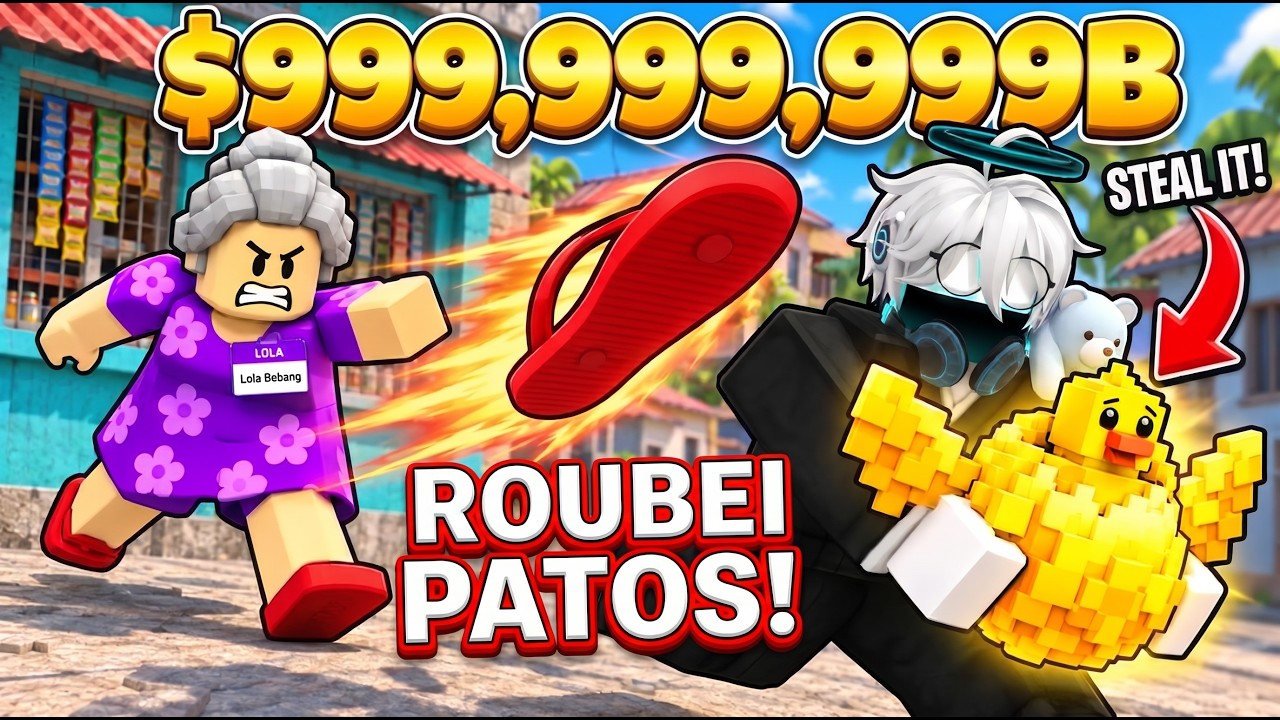
These moments show the event being mentioned while its gameplay, rewards, and purpose remain unexplained, matching the limits described here.
Prepare without overcommitting
You can continue the normal Farm, stealing, and income loop while waiting. Keep your current Base usable, check your Money and active units, and make sure you know how to return after a normal run. These are sensible readiness steps, not event requirements. The event record does not prove that a particular upgrade, pet, tool, or amount of Cash will be needed.
A practical preparation checklist is:
- Confirm that you are opening the Steal A Balut experience page and not a similarly named listing.
- Use Notify Me only for the reminder you actually want.
- Keep normal Farm income running instead of pausing progression for an unannounced reward.
- Check the live event card again near the displayed time for changed instructions.
- If the event reveals a reward or code, verify its exact wording and redemption method before acting.
- After joining or checking the event, use the current in-game panels to confirm any result rather than assuming the notification was a grant.
This approach preserves your regular progress while leaving room for the event details to change. It also prevents a speculative event reward from replacing confirmed decisions about income, collection, or upgrades.
Schedule and verification limits
The captured schedule is Wed, Nov 4, 11:00 AM. It is not safe to infer the time zone, how long the event lasts, whether it repeats, or whether the event has already changed from that display. Roblox may show a localized or account-specific presentation, so compare the current event card with the older time before planning around it.
If the listing disappears, changes title, or shows a different time, use the current Roblox page as the decision point. If it still shows no instructions, there is no supported basis for claiming a reward or participation requirement. Check the game’s current update information separately for patch changes, because an event invitation and an update notice answer different questions.